

The Settings screen
Most settings persist per user via Azure DevOps Extension Data; a few (a shared scale profile, project-shared reports, the environment stages, the Cockpit’s load per tester, the bug source) are project-scoped so a whole team sees the same thing.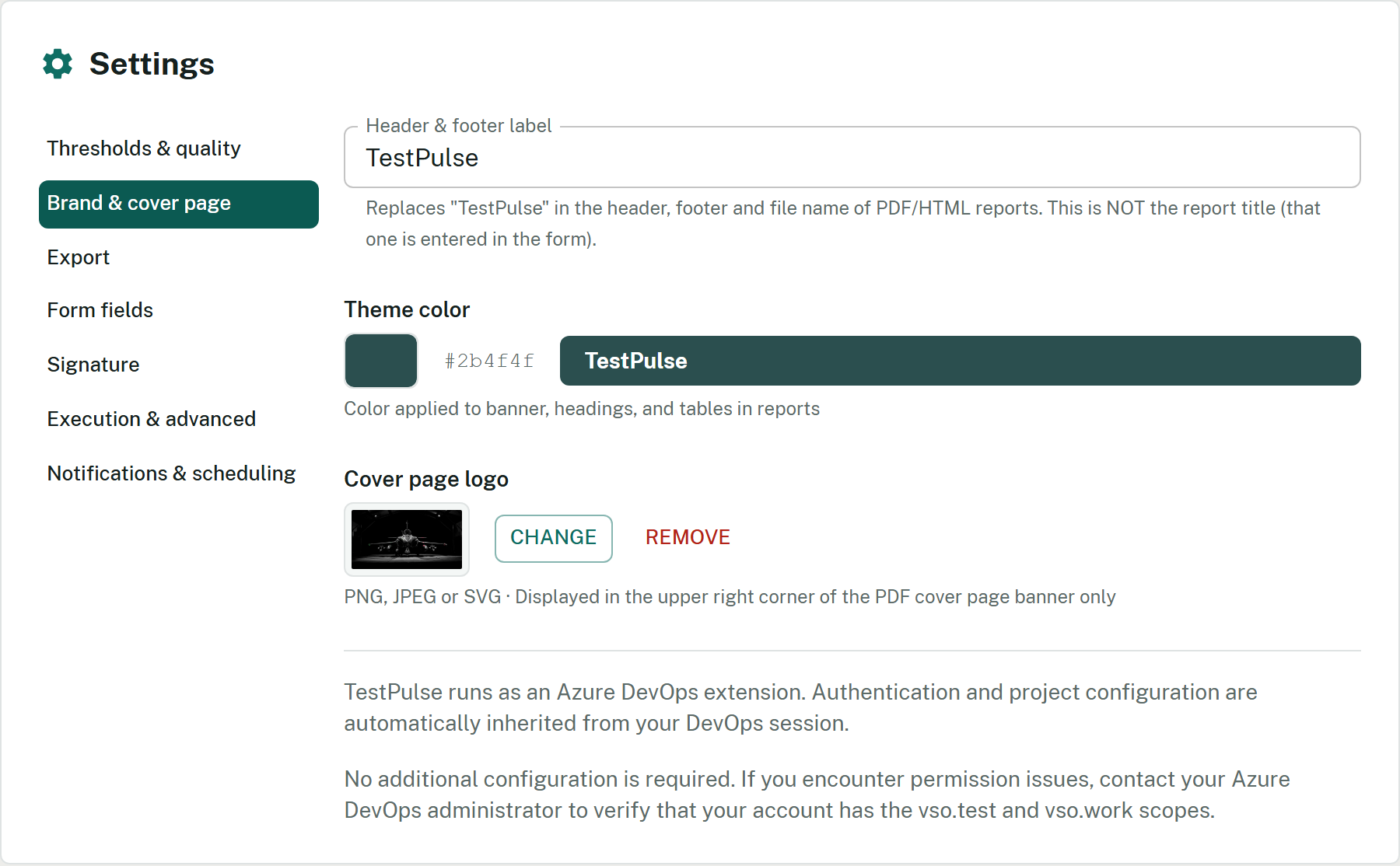
The Settings screen, on the Brand & cover page section.
Import external results
Open Import → Automated XML results and drag-and-drop (or pick) an.xml file produced by Cypress, Playwright, Surefire / Maven, NUnit 3 or xUnit 2. The format is auto-detected from the root tag. Parsed results are previewed (name, outcome, duration, mapped) and auto-mapped to Azure DevOps test cases by name (case-insensitive contains); unmapped rows get a manual dropdown. Pick the target plan and click Import — a report is saved to History with an [AUTO] badge.
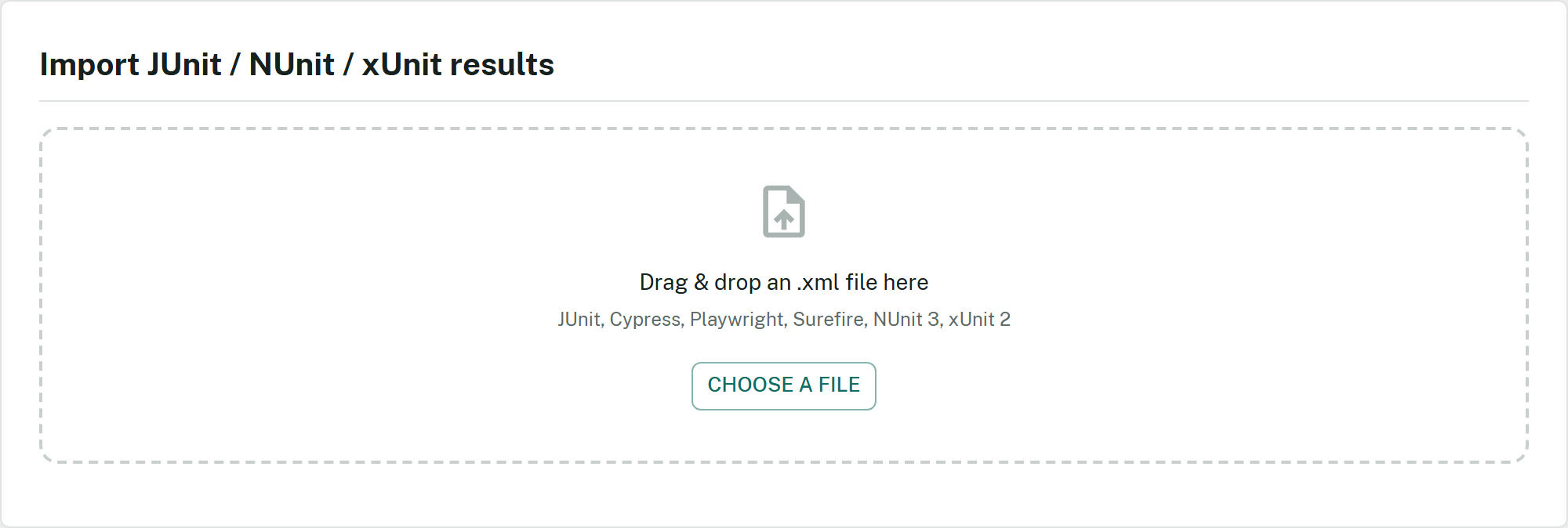
The import drop zone: JUnit, Cypress, Playwright, Surefire, NUnit 3 and xUnit 2 XML files.
The XML is parsed in the browser. Loading the plan and cases for mapping reads Azure DevOps; saving the report writes to Extension Data. XML import does not publish any run or test result to Azure Test Plans.
Import CSV test cases
The new Import → CSV test cases choice prepares cases, their steps and their placement in a plan. It can reuse existing static suites or create missing levels, with a preview before confirmation. An existing ID reuses a case without replacing its steps. This workflow writes objects and memberships to Azure DevOps; its recovery journal stays local to the browser. This workflow is available from 2.74.0. Since 2.74.2, search plans by name or ID and static suites by name, full path or ID. For new cases in an existing plan, review the area and optional iteration proposed from that plan; populated CSV fields take priority. Suite paths and work-item area paths are distinct, with separate permissions. Follow the complete CSV tutorial for the file format, a mixed-mapping example, TF237111 troubleshooting and recovery after an interruption. The XML workflow above remains dedicated to automated results and AUTO reports.Consolidated multi-plan reports
Toggle Multi-plan mode in the plan selector to pick several plans. A single Generate produces one consolidated report: global metrics plus a per-plan breakdown (each plan’s total, pass rate, execution rate and counts) and a Plan column in the results table — on screen and in every export. Overlapping test cases are de-duplicated (most recent result wins); a note explains why per-plan totals may exceed the consolidated total. A non-blocking warning appears beyond three plans; single-plan behaviour is unchanged.Related
Export formats
What each format contains.
Quality Gate — grade & GO/NO-GO
The scale profile lives here.